How to Download Krikya Apk?
Use the official Krikya website to keep builds and secure. For a direct install on Android, use the Krikya app apk. Follow these quick steps for a setup.
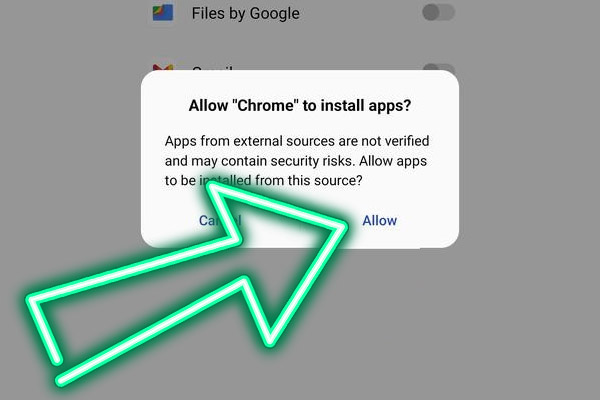
Open Settings and allow installs from this source, then return to the file;
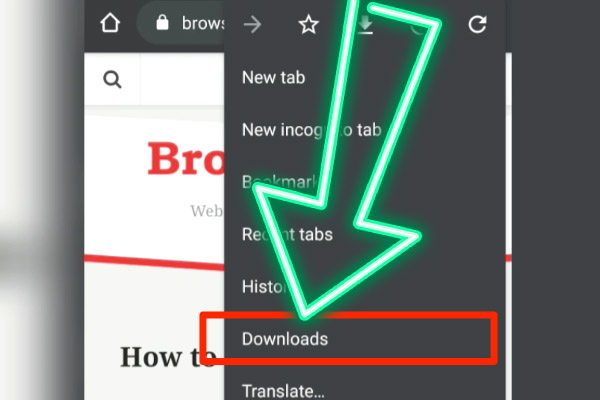
Find the downloaded APK in Files and tap it to start;
Confirm system prompts and complete installation;
Launch the app, choose English or Bengali, and set BDT display;
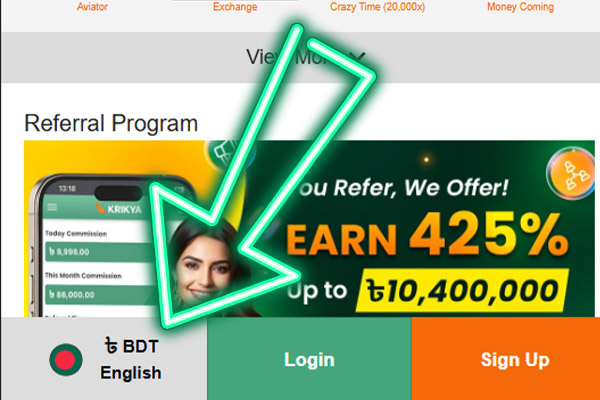
Check that live data and balances load in the lobby;
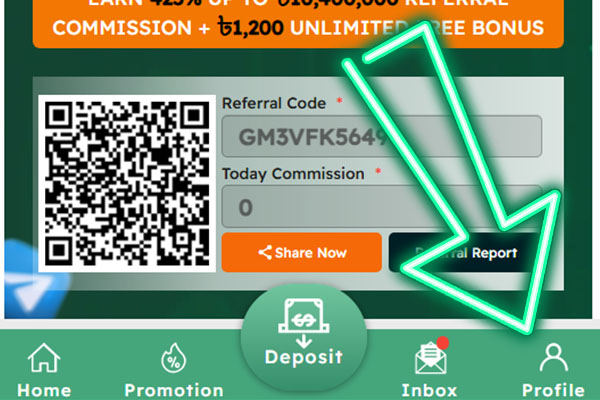
Enable notifications and pin the icon to your home screen.
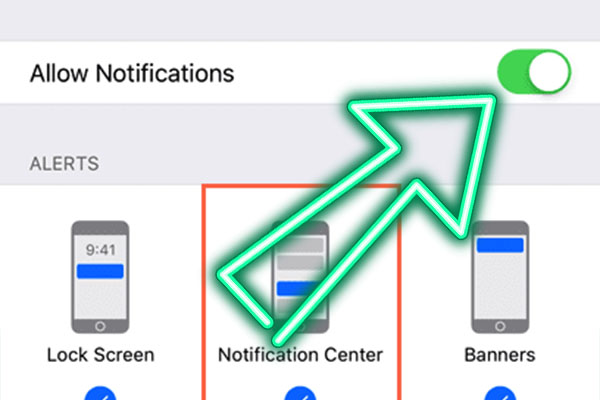
Application parameters: Android 8.0 or higher, at least 150 MB of free storage, a stable internet connection, installation from unknown sources enabled for the selected browser or file manager, and notifications enabled for real time results and cashier status.
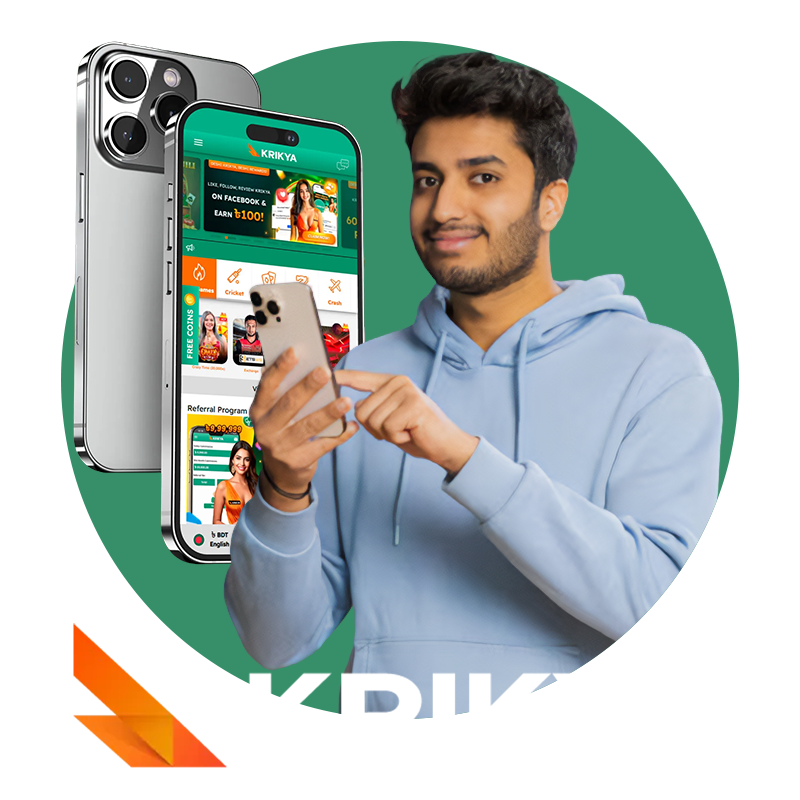
Krikya's official app opens to a lobby with a sports casino switch, a readable BDT wallet, and direct paths to bet or spin. Live odds refresh smoothly, games launch fast, and push alerts keep results and cashier status visible. Download casino app and get Krikya bonus, deposit at least 500 BDT in a month, and send support screenshots of the install and your deposit history. The 188 BDT bonus is credited after review, carries x3 wagering, and expires in 30 days, one per user. App Features in Bangladesh
 Bonus for Installing
Add iOS App to Home Screen
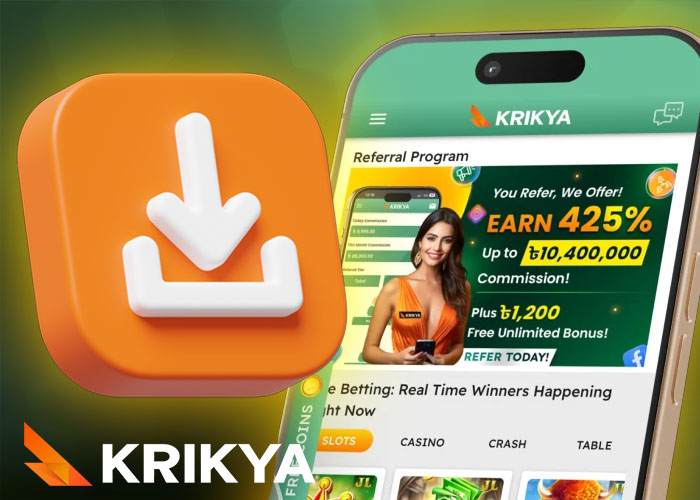
To install Krikya casino on iPhone, follow these steps:
- Open Safari;
- Visit the mobile site;
- Login and tap Share;
- Add to Home Screen to place a fast launch icon.
Launch from the icon for a near native flow with full cashier, and updates sync automatically. Requires iOS 13 or newer, Safari, internet access, and about 50 MB free space.
Krikya Login in Application
Krikya application login provides a path to your account with OTP support and a quick recovery route. After a successful sign in, partners can open Krikya affiliate to track campaigns with the same credentials.
- Use a strong passphrase and keep two factors enabled for every session;
- If entry fails, check keyboard layout and caps, then use Forgot Password with the code to reset;
- Clear the app cache and relaunch if the lobby or wallet does not load correctly;
- Switch between Wi Fi and mobile data when OTP or pages are slow to appear;
- If a cooldown timer appears, wait until it ends instead of repeating login attempts;
- Never save credentials on shared or public devices to protect your balance.
Download Issues & Quick Fixes
Krikya app installs from the official source. If setup stalls, use these direct checks.
- Enable installs from this source in Settings before opening the file;
- Re download if the package was flagged or did not finish downloading;
- Free at least 150 MB of storage and remove any older build if you see App not installed;
- Switch between Wi Fi and mobile data to stabilize the download, then relaunch the installer;
- After install, open the app and confirm the lobby syncs once, then proceed;
- Outdated app version - update Krikya only from the official site or store, then log in again;
- VPN or proxy enabled - turn off VPN or third party proxy tools if pages, payments, or OTP checks keep failing.
Krikya App vs Web Version
Official app prioritizes fast actions on the move, while Krikya games open quickly and keep the route to bets short. The computer version supports extended sessions with more context and tools.
| Factor | App | Computer version |
|---|---|---|
| Launch speed | Instant from icon | Depends on browser load |
| Live betting latency | Lower with push updates | Higher on heavy pages |
| Screen space | Compact quick views | Wide markets and stats |
| Notifications | Native result and cashier alerts | Browser prompts only |
| Poor networks | Graceful fallback | Can stall on big assets |
With the Krikya app installed, players move from icon tap to live bets or slots almost instantly, backed by smooth performance and strong security.